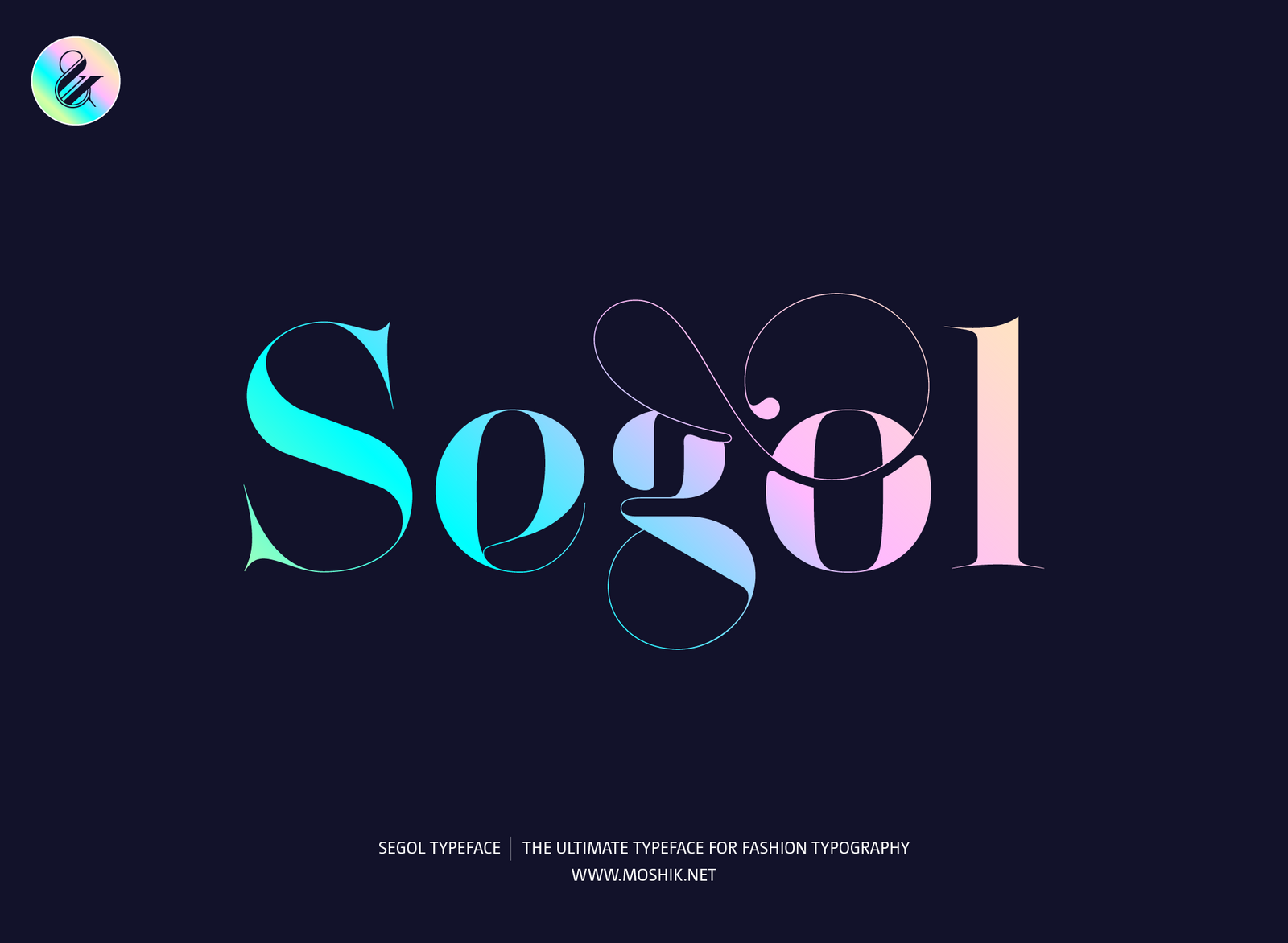
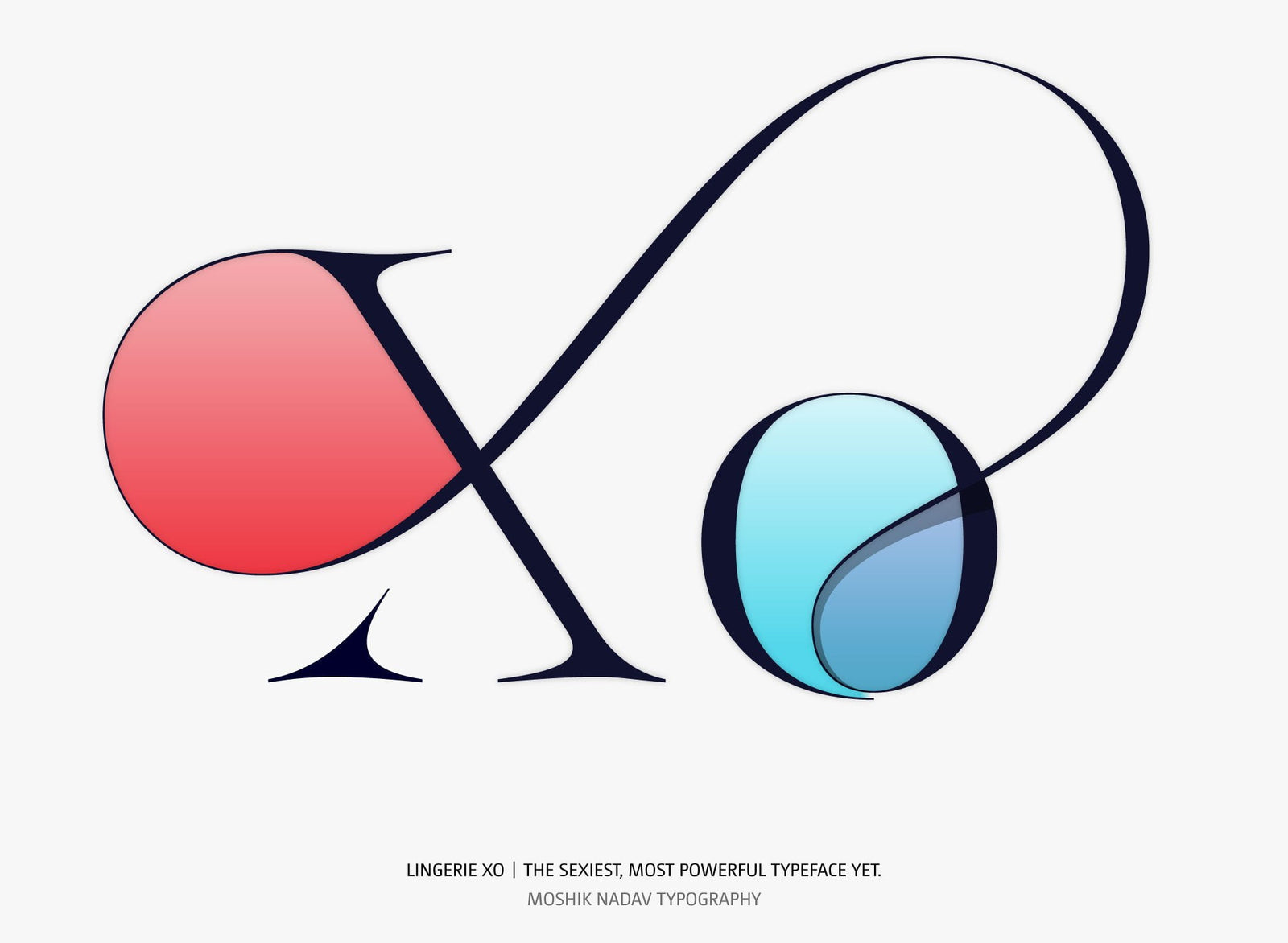
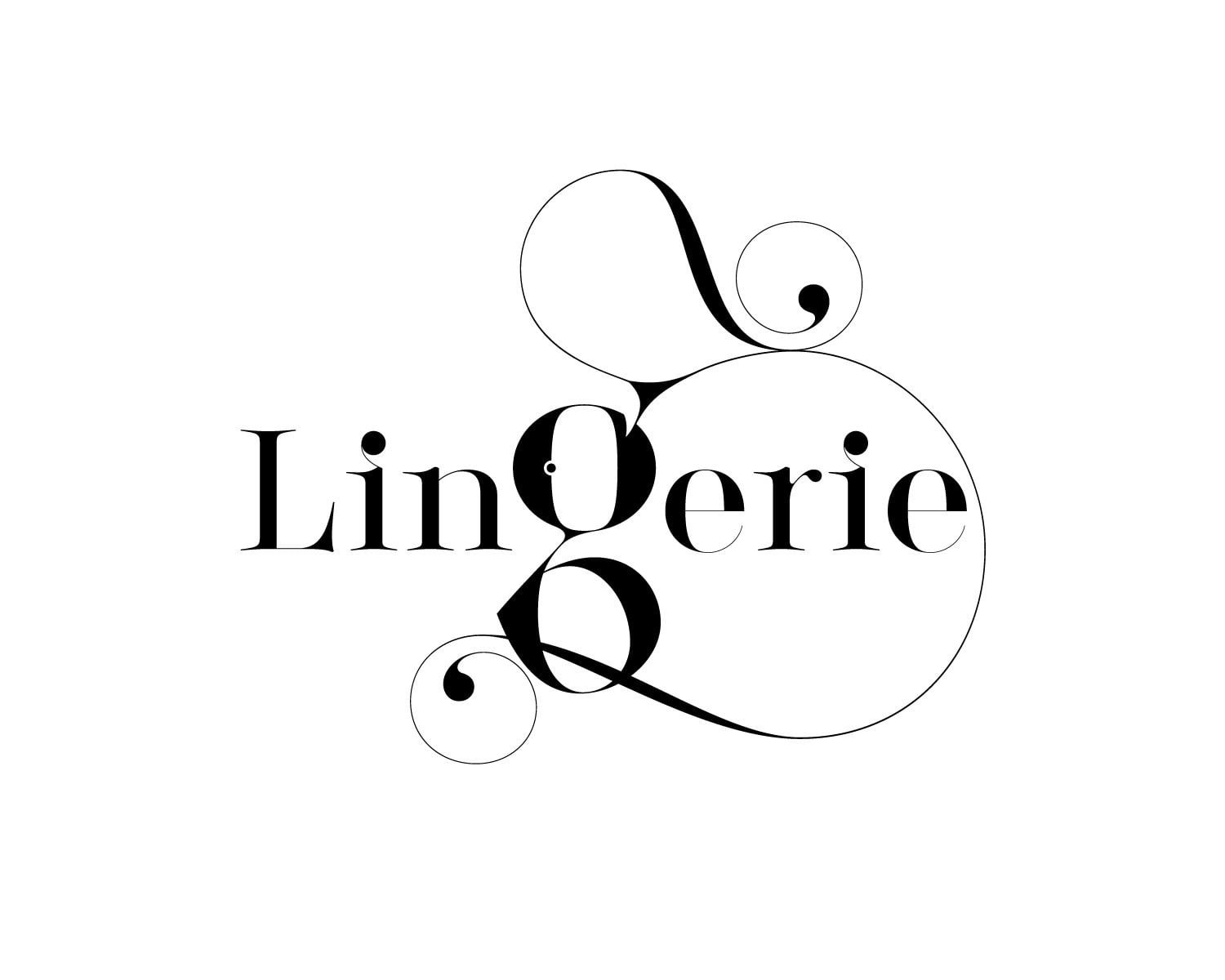
For years I have been drawing typefaces with hundreds of alternate glyphs. Some letters have more than four hundred versions. And for years I watched designers scroll through a glyphs panel, one tiny box at a time, to find the one they wanted.
So I built the tool I always wanted them to have. It is called The Studio, and it lives right here on the site, in your browser. Nothing to install, nothing to set up.
If you have ever ordered one of my fonts, today or years ago, The Studio is already yours. It is free, and it stays free, for life. Sign in with the email you ordered with and it opens, with every style you ordered waiting inside.
For those who want to go further there is Studio PRO: gradients drawn by hand, shapes that melt into one another, glow, 3D materials, stripes, the Blend tool, every design saved, and every new tool as it arrives.
I recorded nine short films that walk through all of it, step by step. Here they are.
1. Welcome
A quick hello, and the idea behind the new site: to make typography as much fun as a video game. I start in the Type Room on the home page, where you type any word and try the alternates of my typefaces with the arrow keys, and then I open the door to The Studio.
2. Your fonts are waiting
The most important thing first. Every style you ordered is already in The Studio, and your font files are in your account under My fonts, ready to download and use in Illustrator or any software you love. And I explain why I built The Studio at all: it puts every version of every letter right in front of you.
3. First steps
Your canvas. Pick a ready-made size for social media, screen or print, take the Text tool, click and type. Choose a style from the side and your word changes at once. Then shape it in the bar above: size, spacing and line height.
4. The alternate glyphs
The part I love most. The small number under each letter tells you how many versions it has. Click a letter and walk through them with the up and down arrows: same letter, a completely different personality. See them all in the Versions panel, or step into the alternate world, where every version stands in front of you on a card. Keep your favourites, give them colours, and find them again in a second.
5. Make it yours
Ligatures: two or three letters drawn to join as one piece. Pick the letters, press Ligatures, and The Studio shows you every one the typeface has for them. And ready-made words: switch them on and your whole word becomes one piece of lettering, with versions of its own.
6. Gradients, glow and 3D
Now Studio PRO. Drag the Gradient tool across a shape and the colours run the way you draw. Bring two shapes close and they snap together in one smooth gradient. Add a glow in the shape's own colours. Then the 3D materials: gold, chrome, clear glass and many more, with light you can turn. And stripes, wrapped round the form like a striped ball. Letters take all of it too.
7. Paint and blend
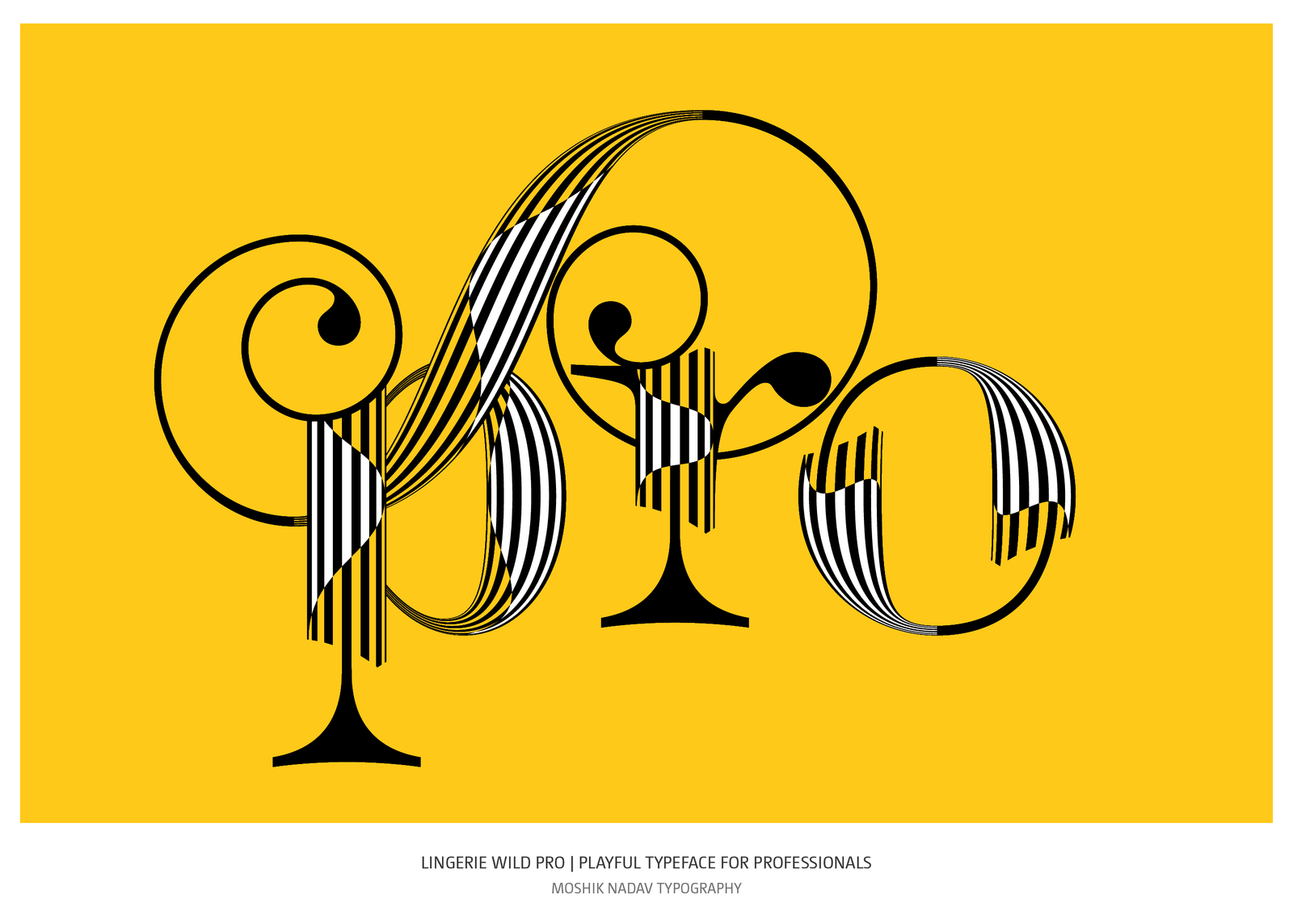
One of my favourite tools. I type "love" in Lingerie Wild Pro, and the magic painter finds every stripe and every gap by itself: press one to paint it, tap the arrow, and the next colour is ready. Then the Blend: copy the word, press one and then the other, and steps run between them. Curves on the canvas fade them, grow them, cast shadows between the layers and twist the whole thing into a spiral. All of it live.
8. One more thing: play it
Just for fun. Connect a PlayStation controller and The Studio turns into a game. The arrows walk through the versions of a letter, the cross opens the alternate world, the sticks move you around your design and the triggers zoom. Typography you can play.
9. Keep your work, and the whole tour
Press Command-S and your design is saved in your account. The Studio keeps one design for you; Studio PRO keeps every design, with up to a hundred canvases. Then a recap of everything in three minutes, in case you want the whole Studio in one film.
How to get in
You ordered a font here before? Sign in with the same email. The Studio is open.
New here? Order any style of any typeface and The Studio opens the same moment, free, for life. Studio PRO can be added whenever you like.
I would love to see what you make with it. Share your artwork with me.
Moshik