
The Studio
A locked room, with a key
The Studio opens the moment you order a typeface here — any style — and stays open for life. Studio PRO, the paid features, can be added later, only by someone who has ordered a typeface.
Choose a typeface
Go to the Segol Typeface page to learn more.
Bought a typeface here before? Sign in with the same email and The Studio is open.
The Studio
A treat for the people who ordered the fonts
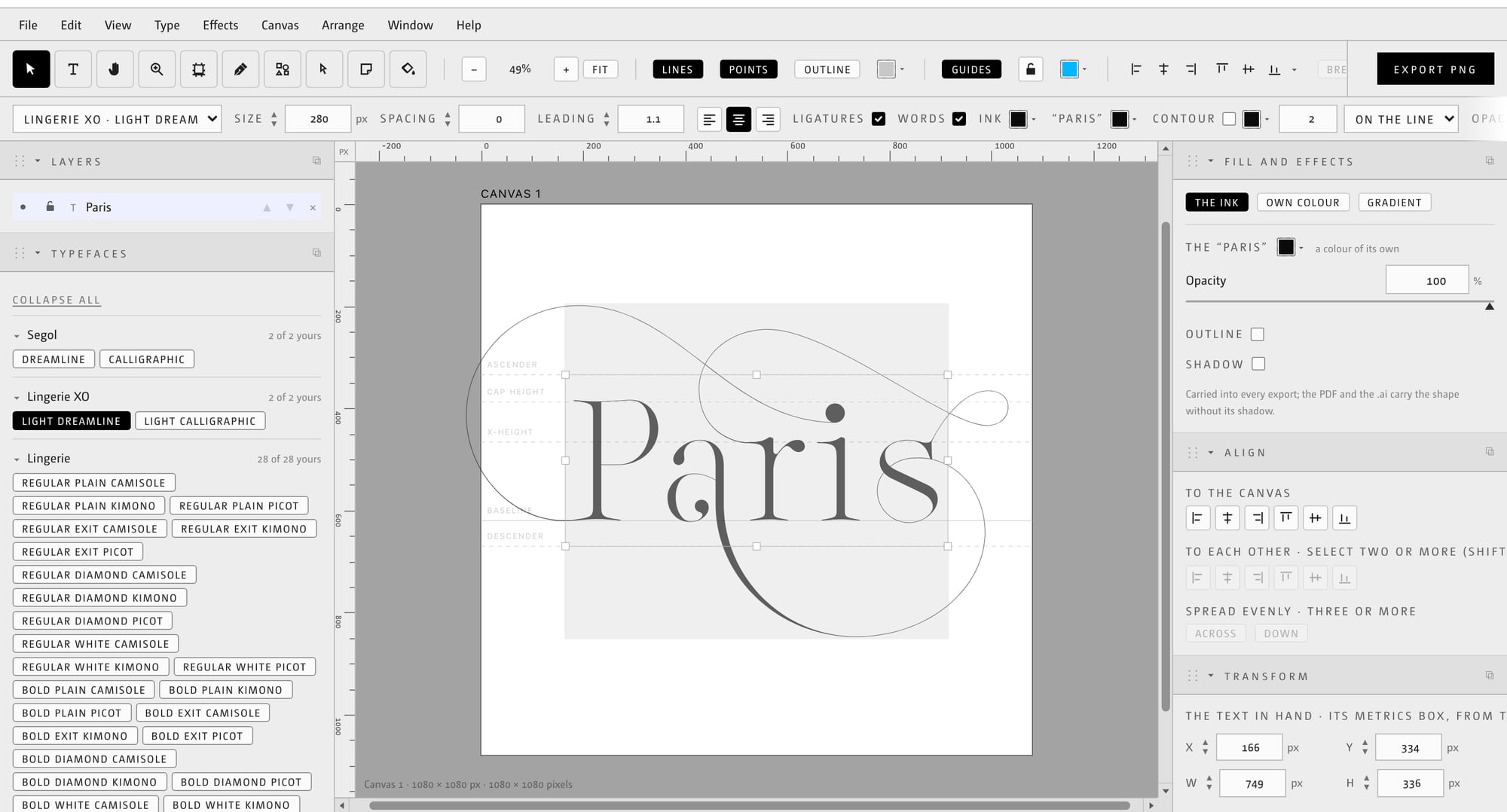
Buy a typeface here and The Studio is yours, free: a clean canvas to set your words in it — with every alternate and every readymade word the typeface holds, the way the Type Room works — and take the design away in the format you need.
You need no graphic software for it. The Studio is the most advanced, and the easiest, way to customise typography — and no other software offers it.
Locked · opens with any typeface
- 1Select. Move, scale, rotate, duplicate — the letters stay type, so every change can be undone.
- 2Text. Type anything. Every alternate and every readymade word of the styles you ordered is a keystroke away.
- 3Pen. Draw shapes of your own beside the letters — a band, a frame, a flourish — with the pen's curves.
- 4Points. Pull the points and handles of the shapes you drew until the curve is exactly right.
- 5Magic painter. Hover a stripe, a gap or a counter and it lights up; one press colours it — exactly to the letter's own edge.
- 6Lines and guides. Ascender, cap height, x-height, baseline; rulers and guides you drag out, snapping as they should.
- 12Outline. Only the vector lines, every path a hairline at any zoom — Illustrator's outline view, ⌘Y.
- 13Align. Letters and shapes to the canvas or to each other; points and handles to each other; spread evenly.
- 7Style, size, spacing. Switch between the styles you ordered, set the size, the spacing and the leading, ligatures and readymade words on or off.
- 8The canvas. Any size in pixels, millimetres or inches — an Instagram post, an A4, a poster — and more than one canvas in a design.
- 9Layers. Every text and shape, stacked and named: lock, hide, reorder.
- 10Typefaces. The styles you ordered, one press each — the word on the canvas changes with them, alternates kept.
- 11Export. PNG, JPG and TIFF as pixels; SVG, PDF and Illustrator as outlines — made in your browser, nothing uploaded.
The alternate world
Step inside a letter
Press the number under any letter and you are in its alternate world: every version of it, large, on cards. Walk through them at your own pace, press F or the heart on a card to keep a favourite, and set the one you want in your word. No glyph table, no hunting.
Favourites and colours
Hundreds of alternates. Your shortlist.
Heart the versions you love and they wait in Favourite glyphs, one press away. Give others a colour, pick that colour, and only those are shown. A typeface with hundreds of alternates, organised your way.
The alternate glyphs
A lowercase g, with 458 ways to draw it
Every letter in these typefaces comes with its alternates — Segol's g alone has 458. Put the letter in hand and the arrow walks them one by one, or pick any of them from the Alternates panel beside it. Or press the small arrow under the letter on the canvas and explore right there.
No graphic software gives you this: the alternates are not buried in a glyph table — they are under your fingers.
Colour, letter by letter
Colour each glyph, for maximum control
Select one letter, a range, or the line, and give it a colour of its own — straight from the bar. The whole text can take a gradient, a contour, opacity and a shadow on top.
The word stays one piece of text: still editable, still walking its alternates, still exact in every export.
The magic painter
Paint inside the letters
The painter reads a letter as its parts: every stripe, every gap, every counter. Press one and it fills, exactly to the edge. No masks and no pen work: tap the up arrow and the next colour is ready, shown beside the key and in the painter's row of colours.
Gradients
Draw the gradient
Draw a shape, press a swatch, and switch its fill to Gradient. Then take the Gradient tool and drag across it: the colours run the way you drag. Angle, length and direction, set in one gesture.
Gradient snap · Studio PRO
Shapes that melt into one
Select your shapes and switch on Gradient snap. Drag one close to another and they join with a smooth neck, their gradients flowing into each other. The liquid look designers build by hand, made with a drag.
Glow · Studio PRO
Light in the shape's own colours
Switch on Glow in the top bar and a shape shines in its own colours, gradient and all. Set how strong and how wide, bring another shape in, and they glow as one.
3D materials · Studio PRO
Gold, chrome, glass. Lit on your canvas.
One press in the 3D material panel turns a shape or your type into a lit solid: clear glass over its own colours, gold, chrome and more. Drag the sun on the canvas and the light turns round it.
Stripes · Studio PRO
Stripes that wrap round the form
Draw a circle, copy it a few times, and press a 3D material. Then switch on Stripes: choose their colour and how many, and wrap them round. Every circle becomes a striped ball. Give each ball its own direction and switch on Shadow, and the cluster looks real.
The Blend · Studio PRO
One word, multiplied
Copy a painted word, take the Blend tool, and press one and then the other. Steps run between them, every stripe of paint with them, and a knob under the blend sets how many.
Blend curves · Studio PRO
Shape the blend with curves
Opacity, shadow, size and turn: each is a curve you drag right on the canvas. Fade the steps away, grow them forward, twist the whole blend into a spiral. All of it live.
Saved projects
Your work, kept in your account
Press ⌘S and your design is saved in your account, under Saved projects. Open it from there, or with File and Open, and everything comes back exactly as you left it. The Studio keeps one design for you; Studio PRO keeps every design, with up to a hundred canvases.
Play it
Typography you can play
One more thing, just for fun: connect a PlayStation controller and The Studio turns into a game. The arrows walk through the versions of a letter, the cross opens its alternate world, the sticks move you round your design and the triggers zoom in and out.
The whole tour
The whole Studio, in three minutes
Everything in one film: the typefaces you ordered, a canvas and your word, every letter's versions and the alternate world, ligatures, ready-made words, colour, the magic painter and export. Then Studio PRO: gradients, glow, 3D materials, stripes and the Blend.
Canvases and export
Your size, your format, made in your browser
Set the canvas in pixels, millimetres or inches — a post, an A4, a poster — and keep more than one in a design. Export as PNG, JPG or TIFF, or as SVG, PDF and Illustrator with the outlines intact.
Everything is made on your computer. Nothing is uploaded unless you choose to save a design in your account.
No graphic software needed
The most advanced — and easiest — way to customise typography
No graphic software puts a typeface's alternates, its readymade words, your favourite glyphs and a colour for every letter on one canvas, with the outlines kept exact in every export. The Studio does, in your browser, for the typefaces you've ordered — nothing to install, nothing to learn. Typography control no other software offers, in the place it is easiest to use.
Every glyph, open
All the alternates and readymade words of the styles you ordered — nothing locked, nothing held back.
Your canvas, your resolution
Instagram, A4, a poster: any size in pixels, millimetres or inches, at the resolution you choose.
Export as you need it
PNG, JPG, TIFF — or the outlines as SVG, PDF and Illustrator — made in your browser, never uploaded.
A locked room
One typeface opens it, for life
Any typeface ordered on this site opens The Studio — and keeps it open, at no charge, with every style you ordered inside it. What is here today stays yours; Studio PRO adds saving in your account, templates, the Blend tool, Gradient snap, 3D and the 3D materials for $9.99 a month or $99 a year, but the room itself never closes on you.
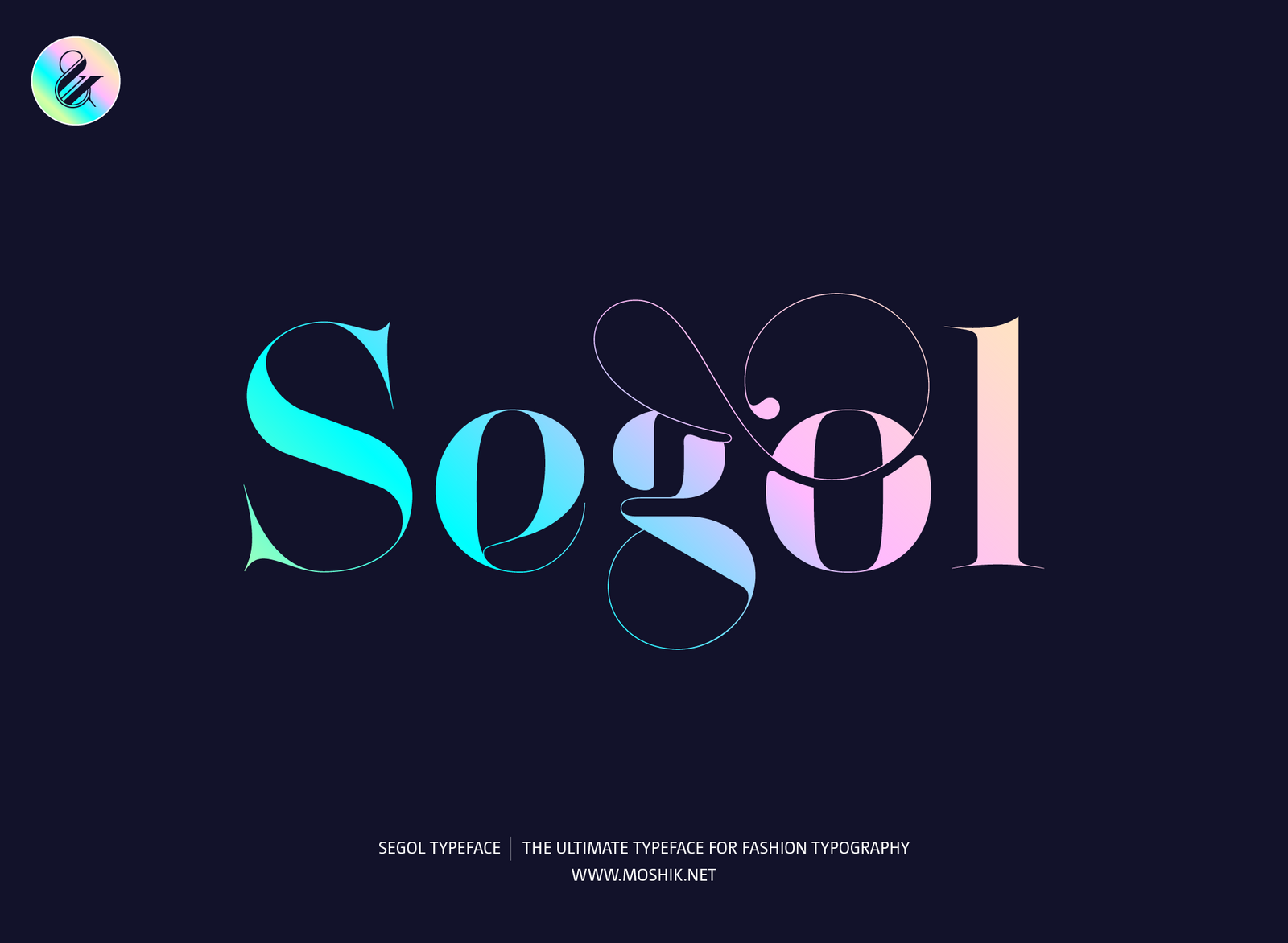 Segol TypefaceThe ultimate typeface for fashion typography.from $199Open the typeface
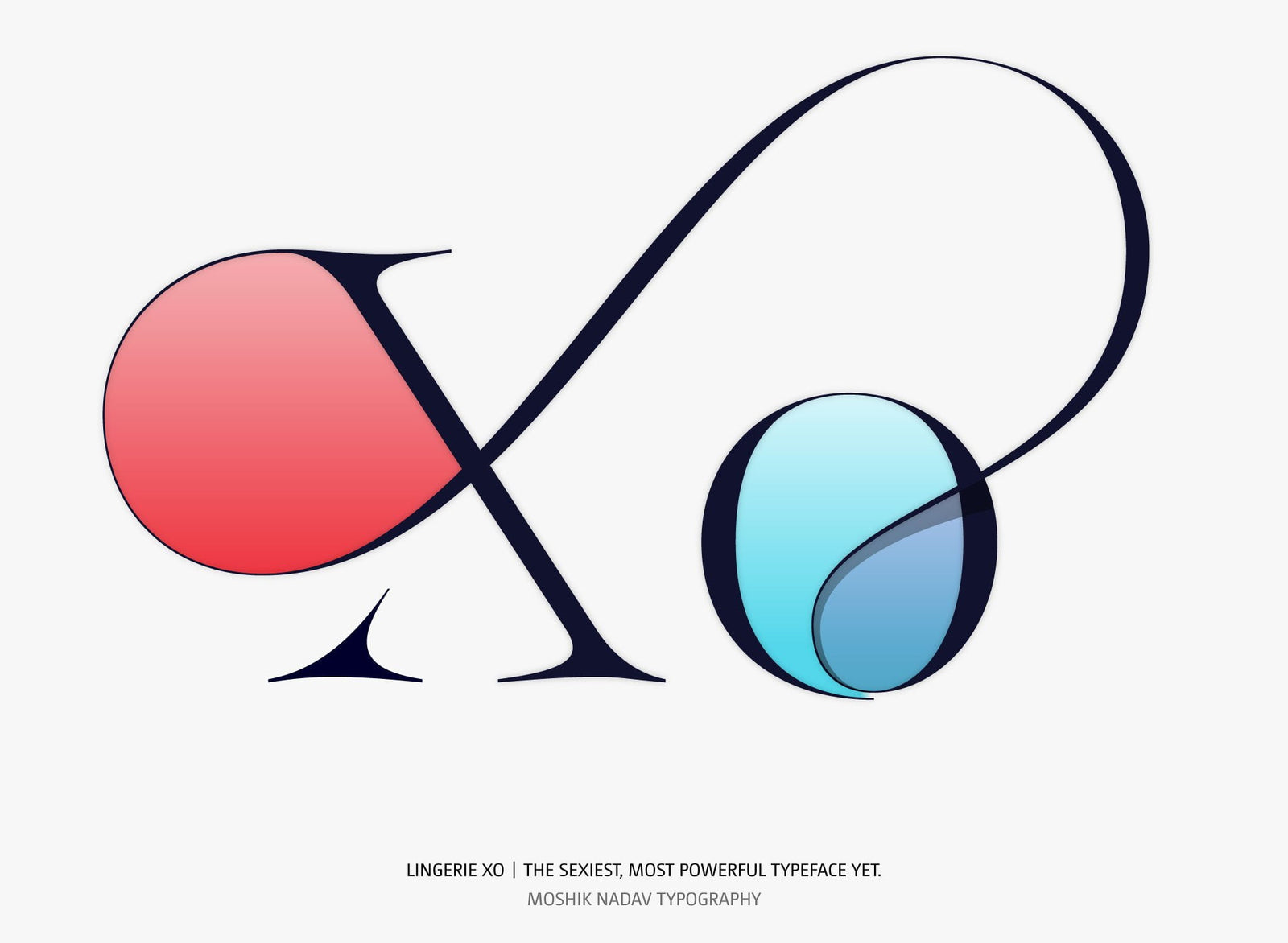 Lingerie XOThe sexiest, most powerful typeface yet.from $150Open the typeface
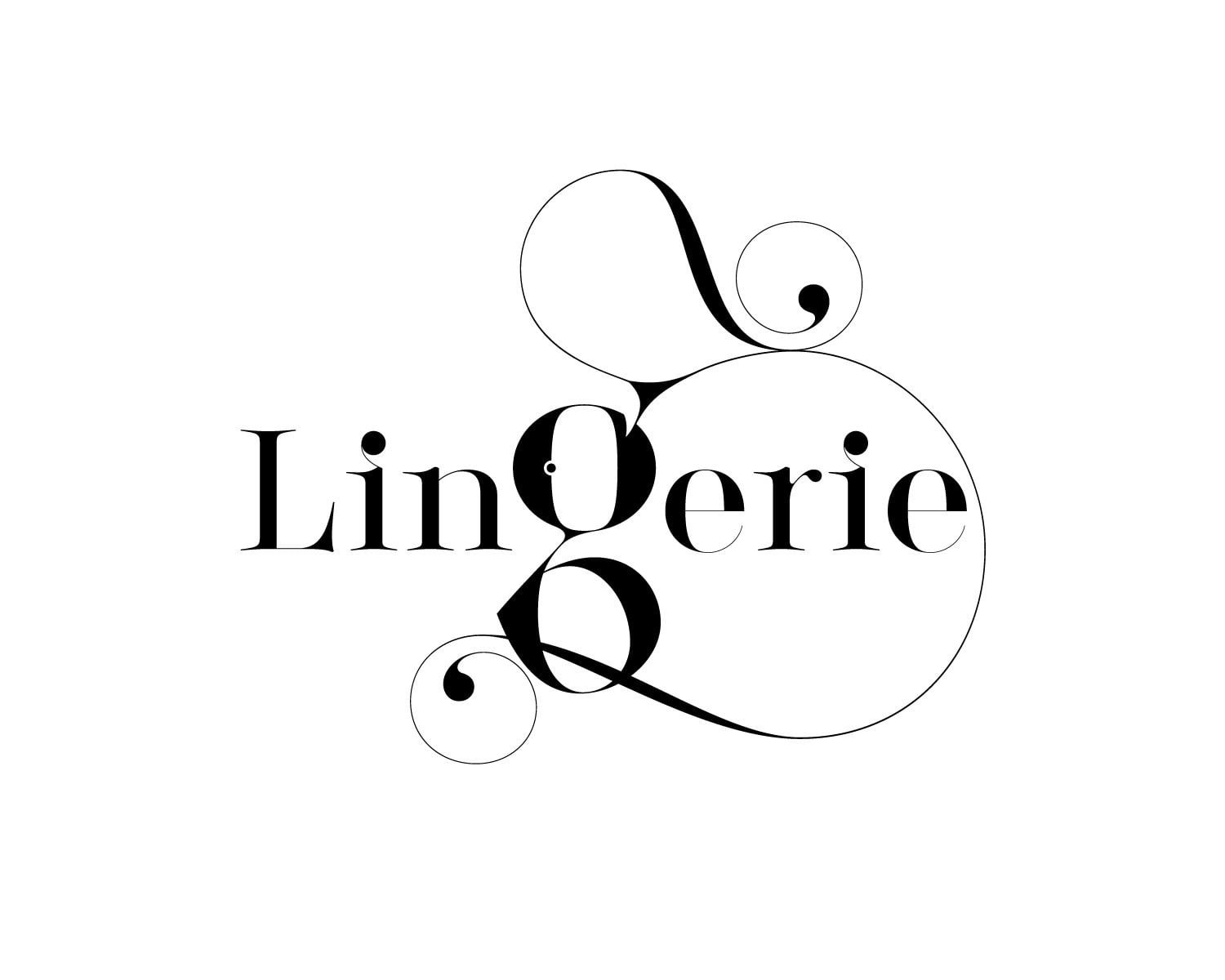 Lingerie Typeface700,000+ glyphs of pure fashion.from $99Open the typeface
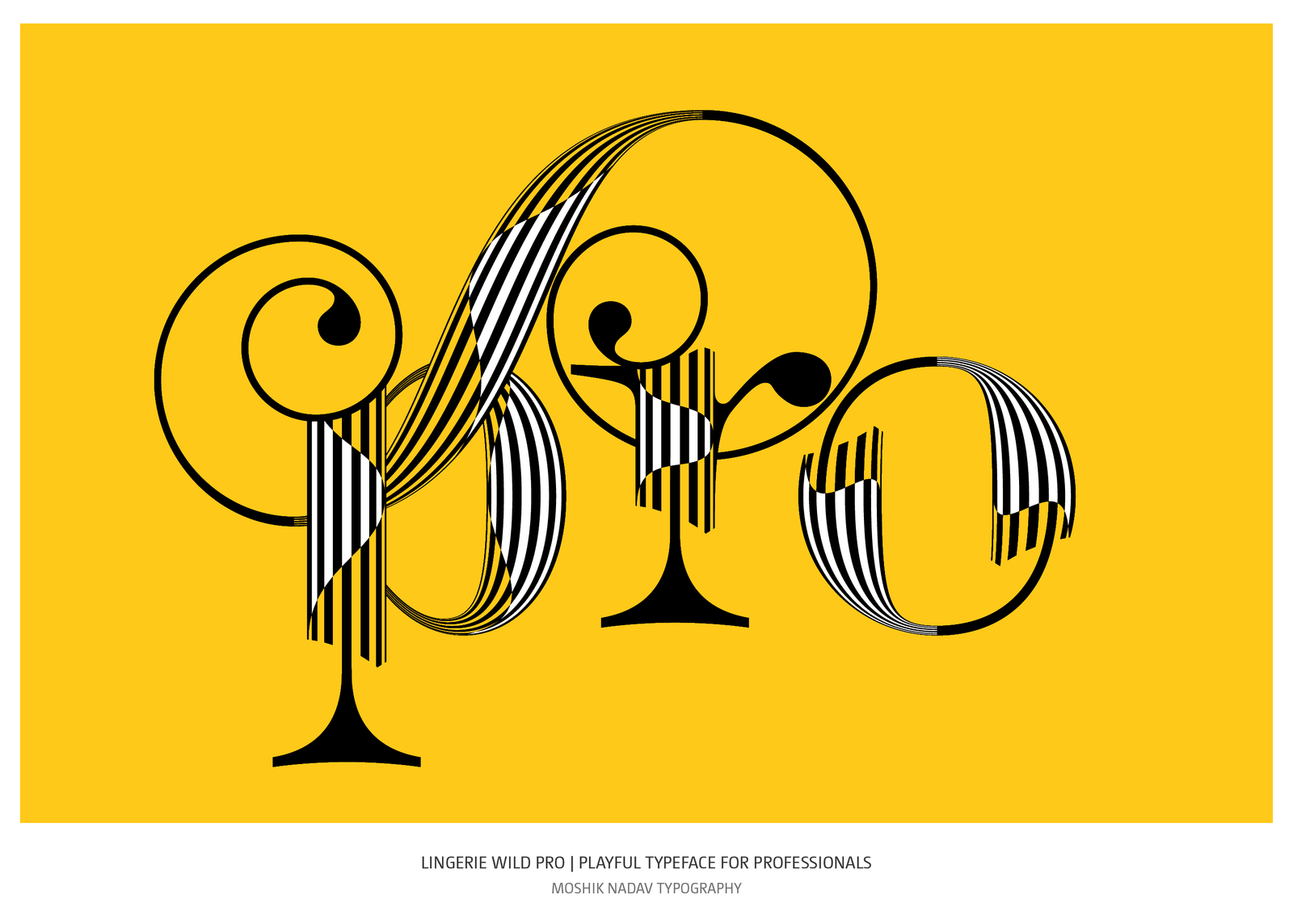 Lingerie Wild ProFour wild styles for fearless design.from $149Open the typeface
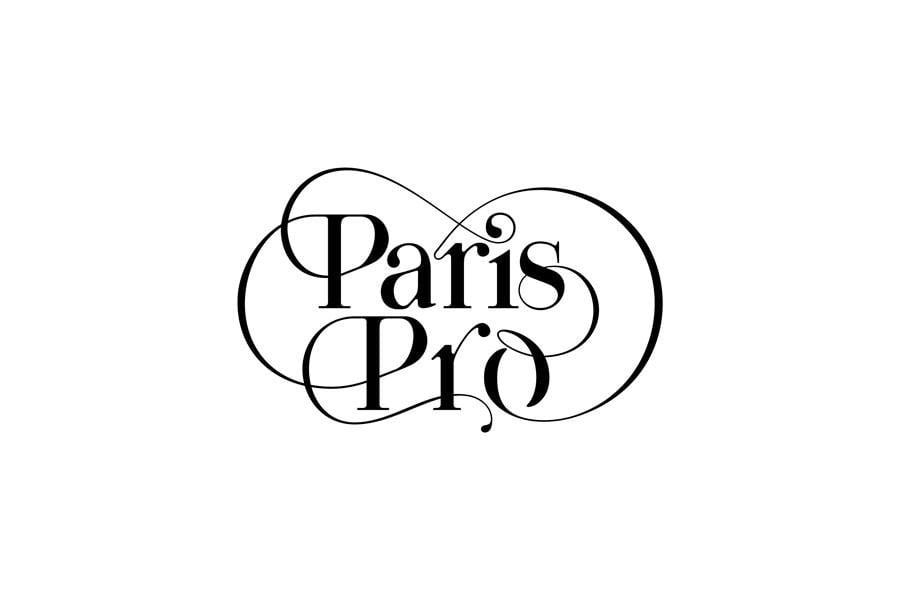 Paris ProThousands of exciting glyphs.from $99Open the typeface
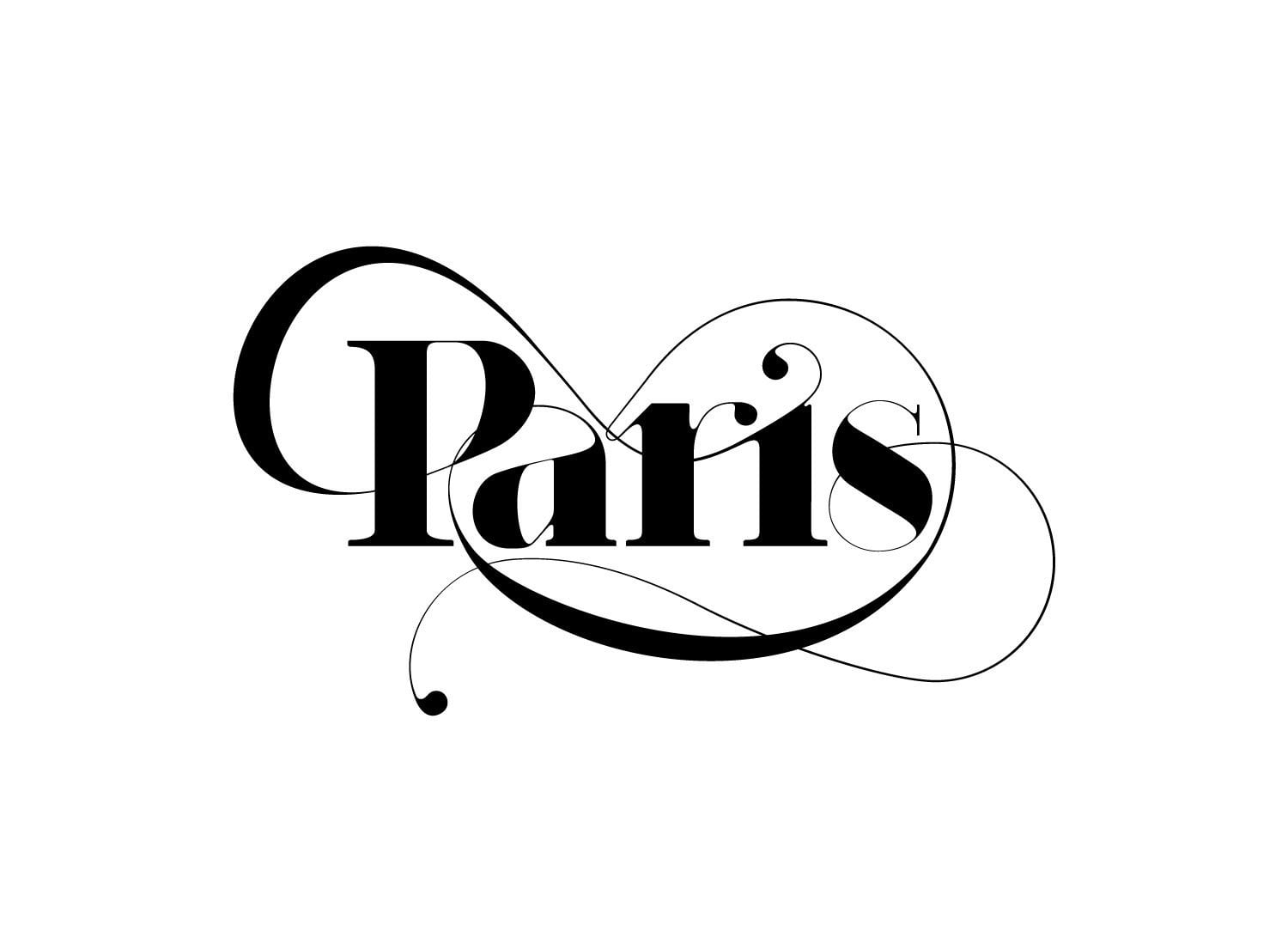 Paris TypefaceThe high-contrast fashion classic.from $99Open the typeface
Bought a typeface here before? Sign in with the same email and The Studio is open.
Browse the typefaces